01Vault and supported records
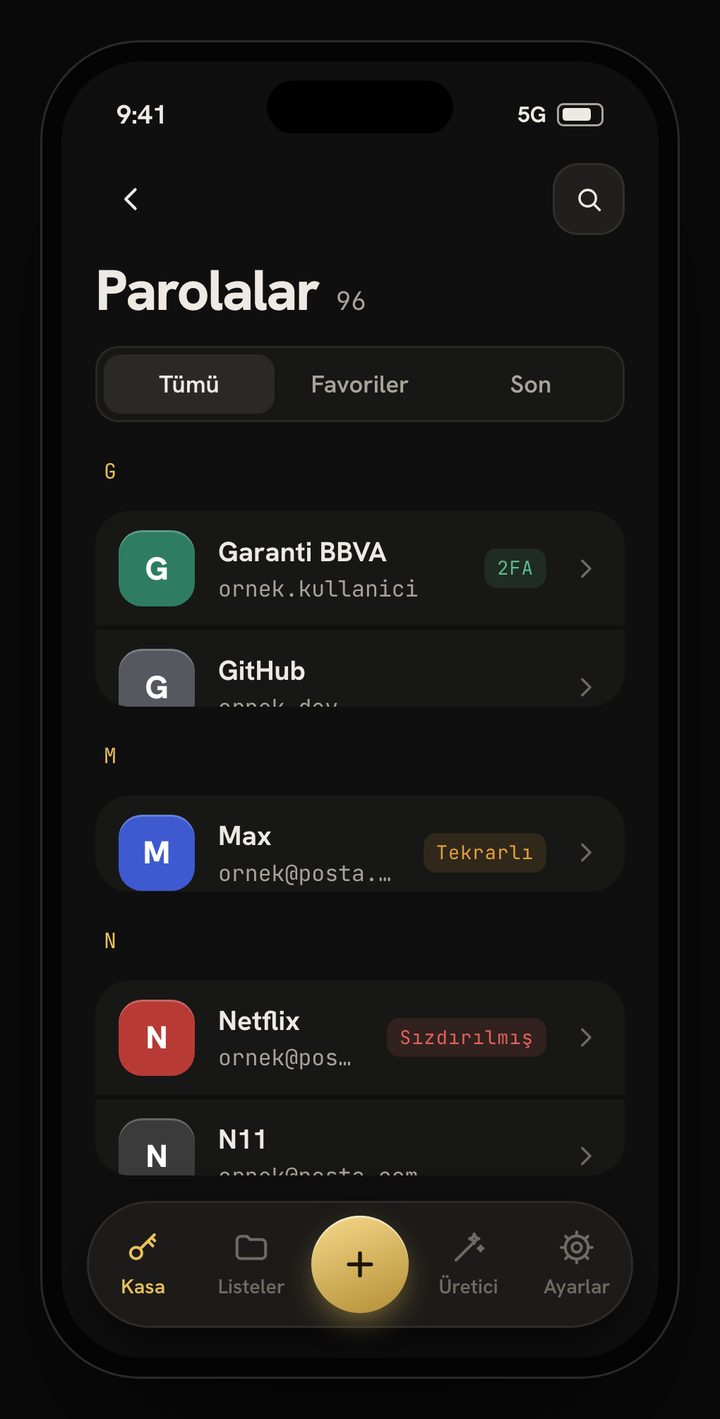
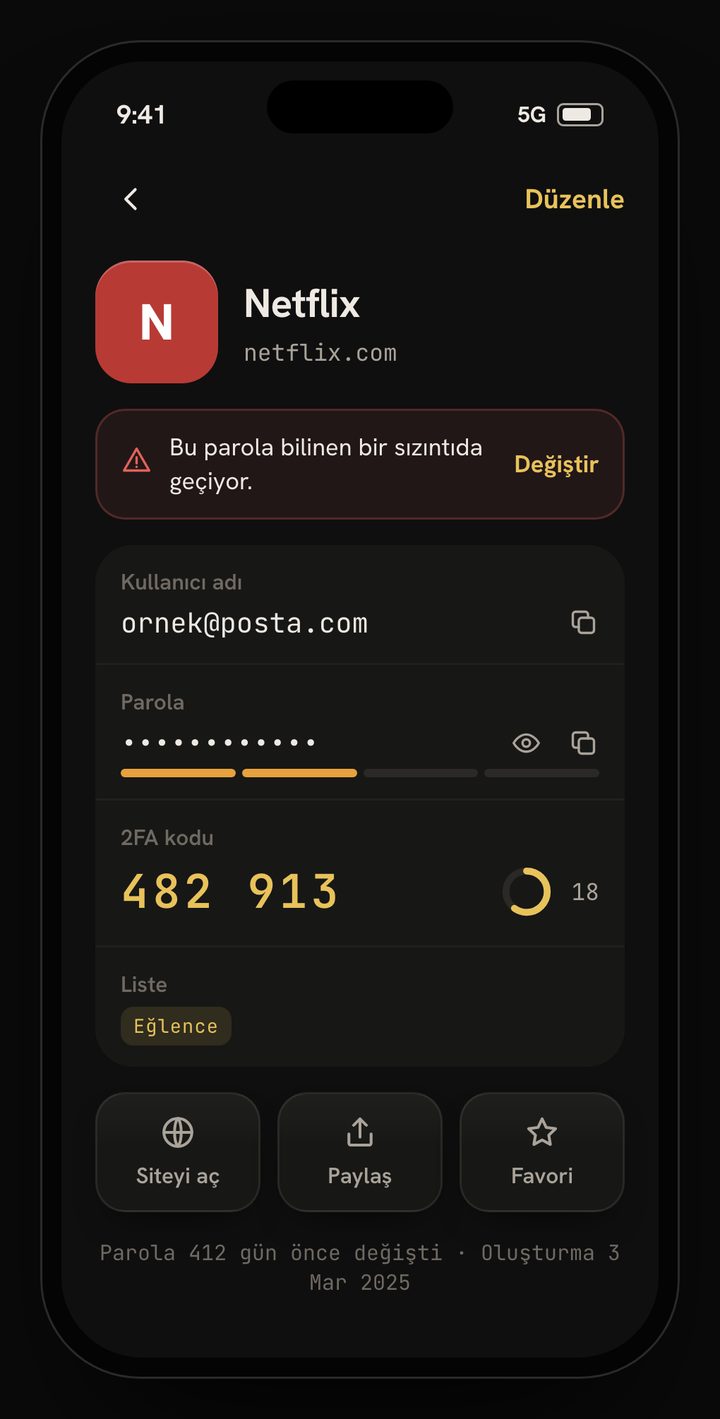
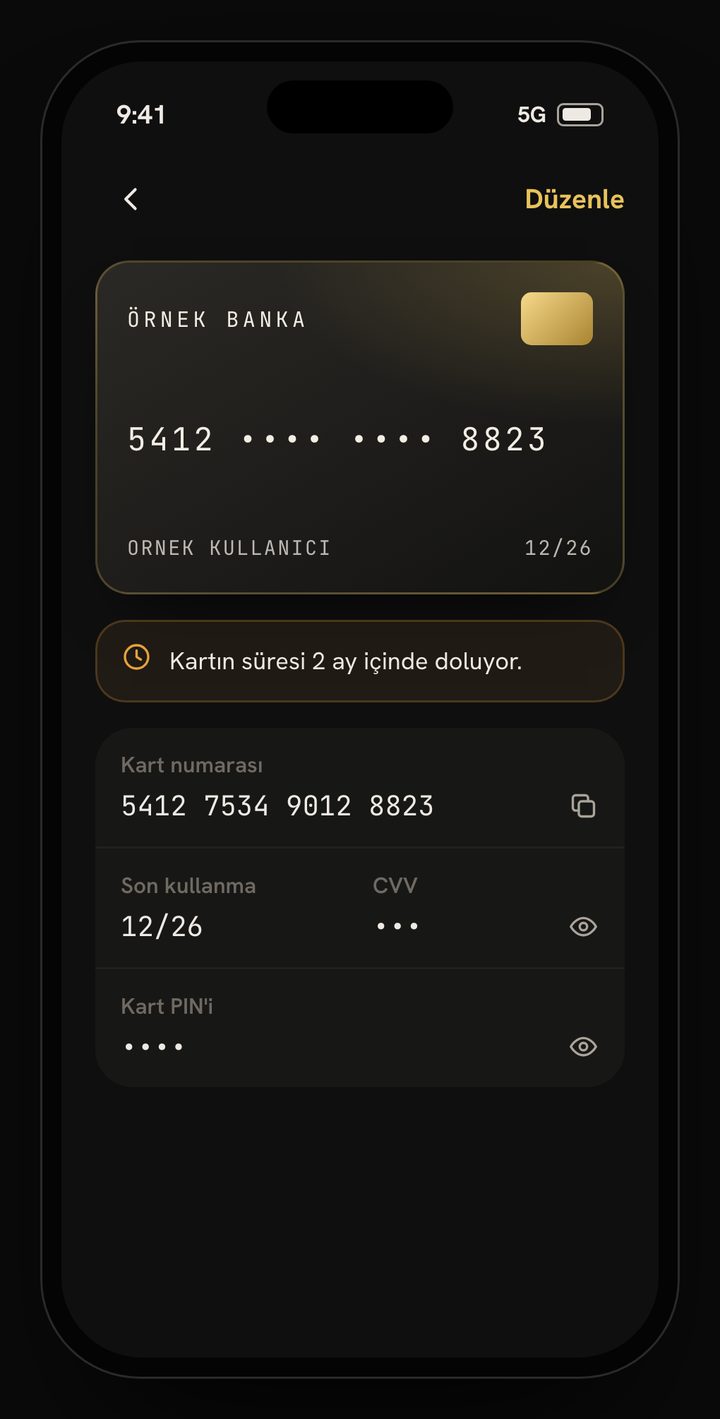
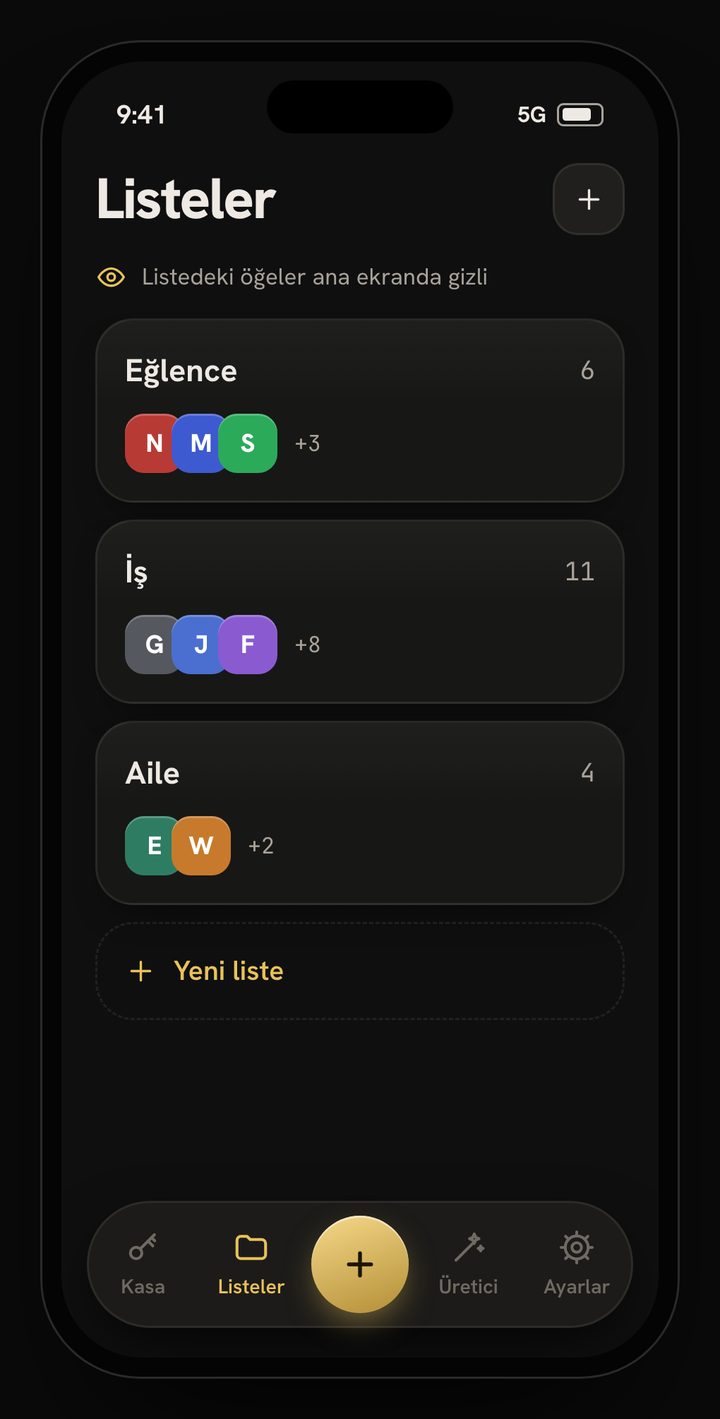
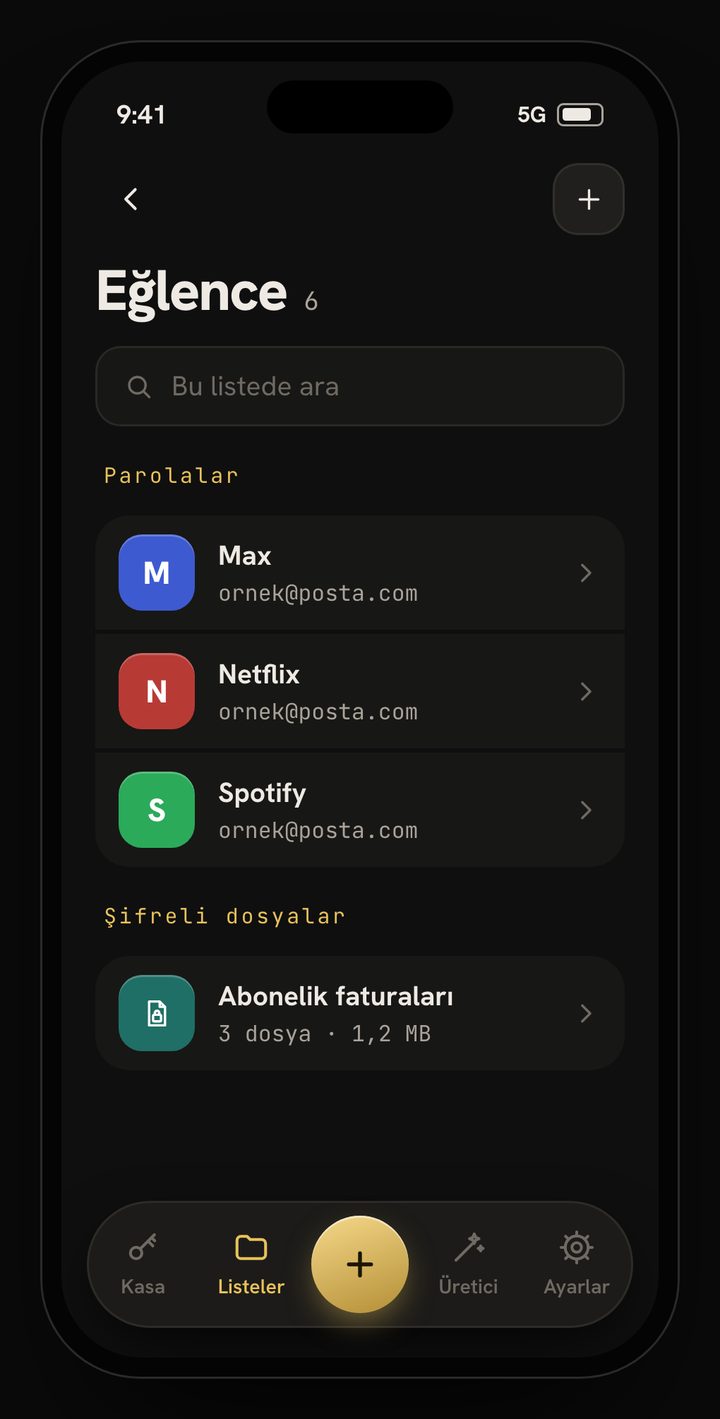
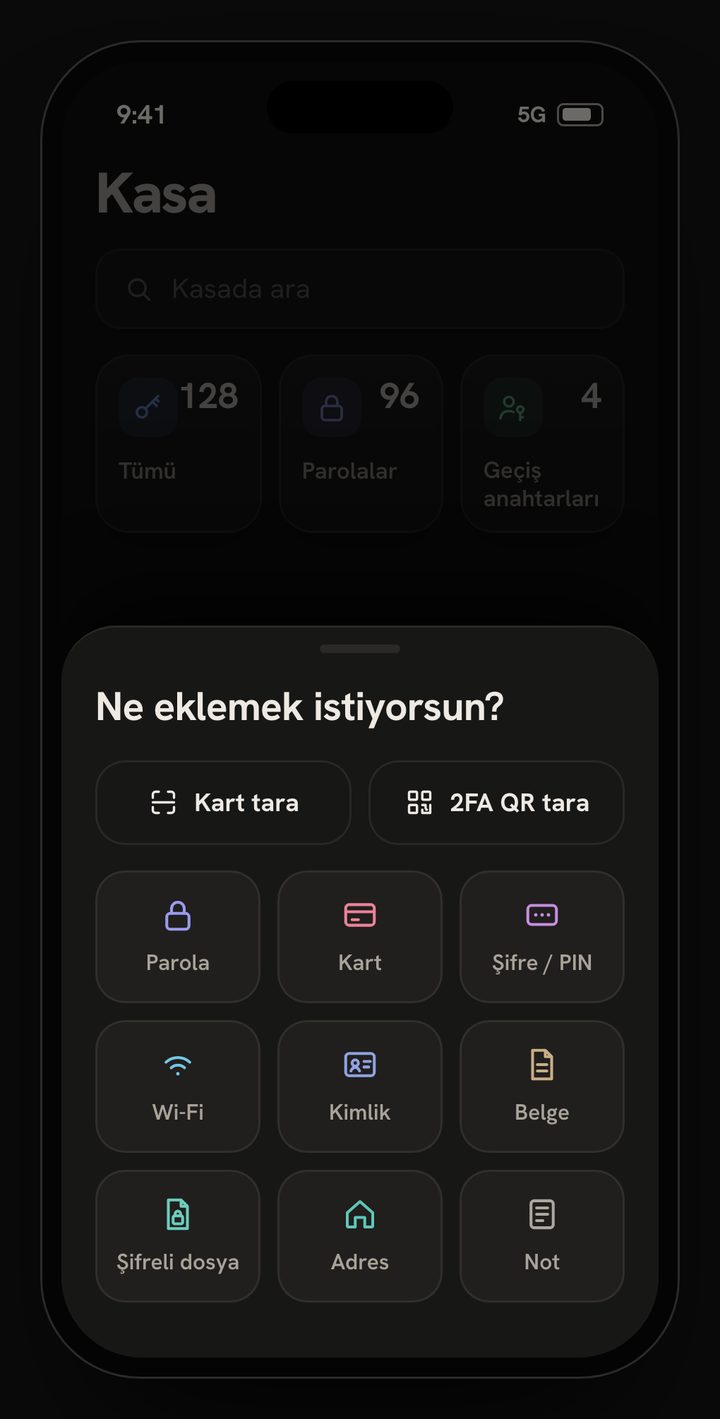
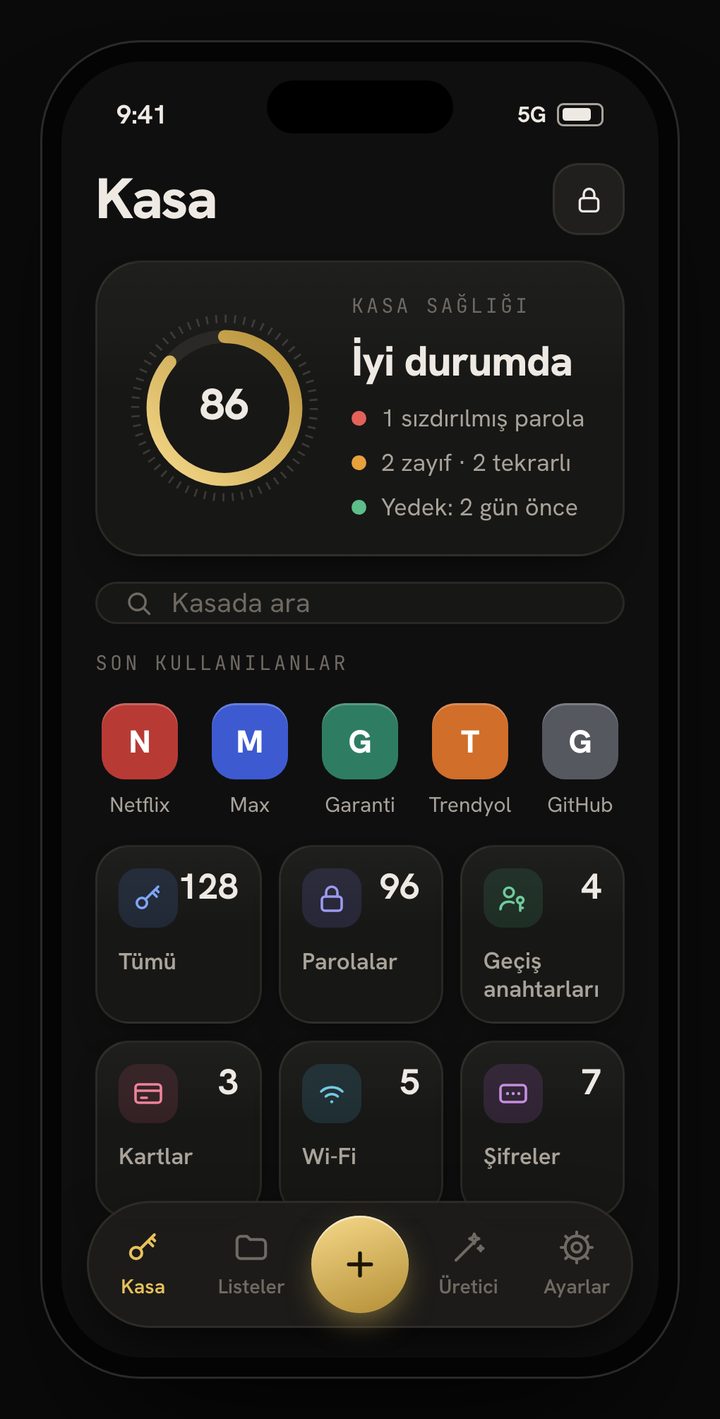
Store passwords with usernames, websites, notes and custom fields; credit, debit and virtual cards; addresses, secure notes and Wi-Fi networks with QR sharing. Keep IDs, passports, driving licences, residence permits and social security numbers alongside scanned documents and PDFs such as invoices, bank receipts, insurance, memberships and registrations. Organise multi-chain cold-wallet / crypto-wallet details, passkeys and attachments in folders.
02Sign-in and authentication
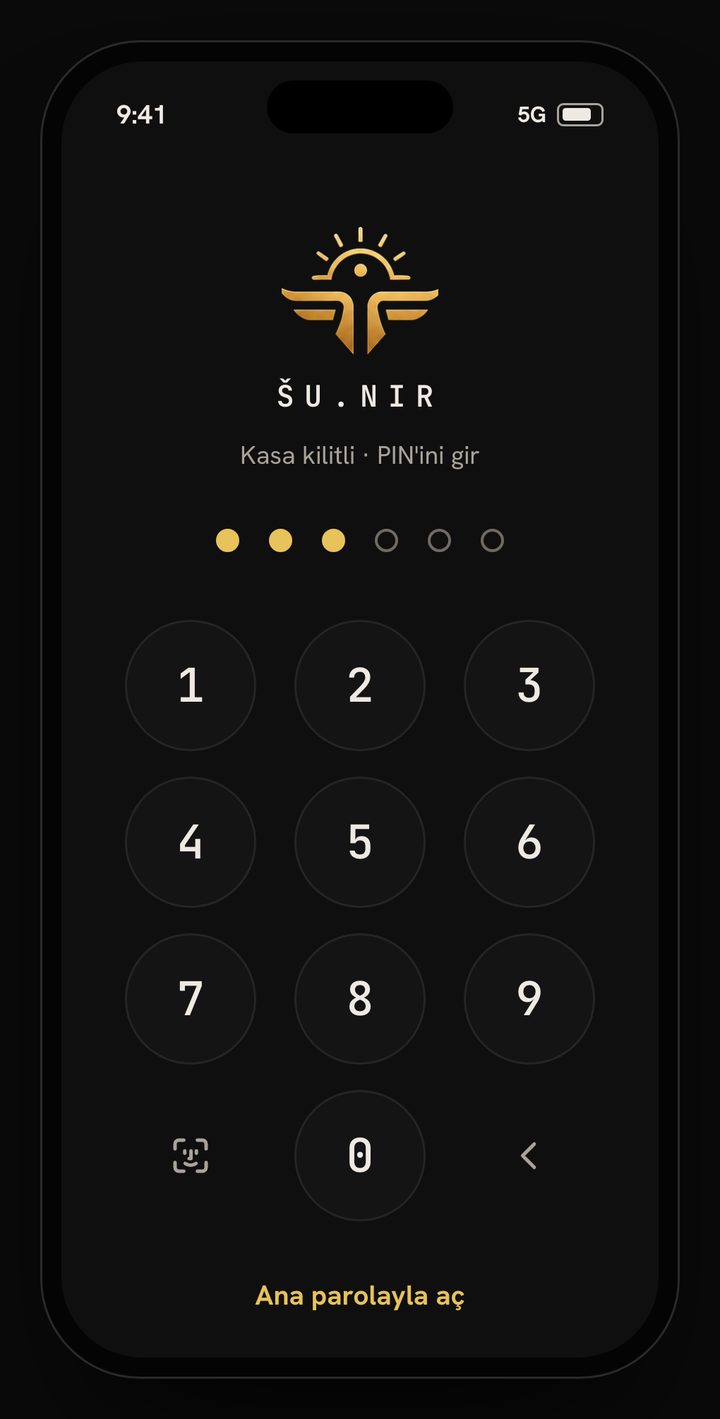
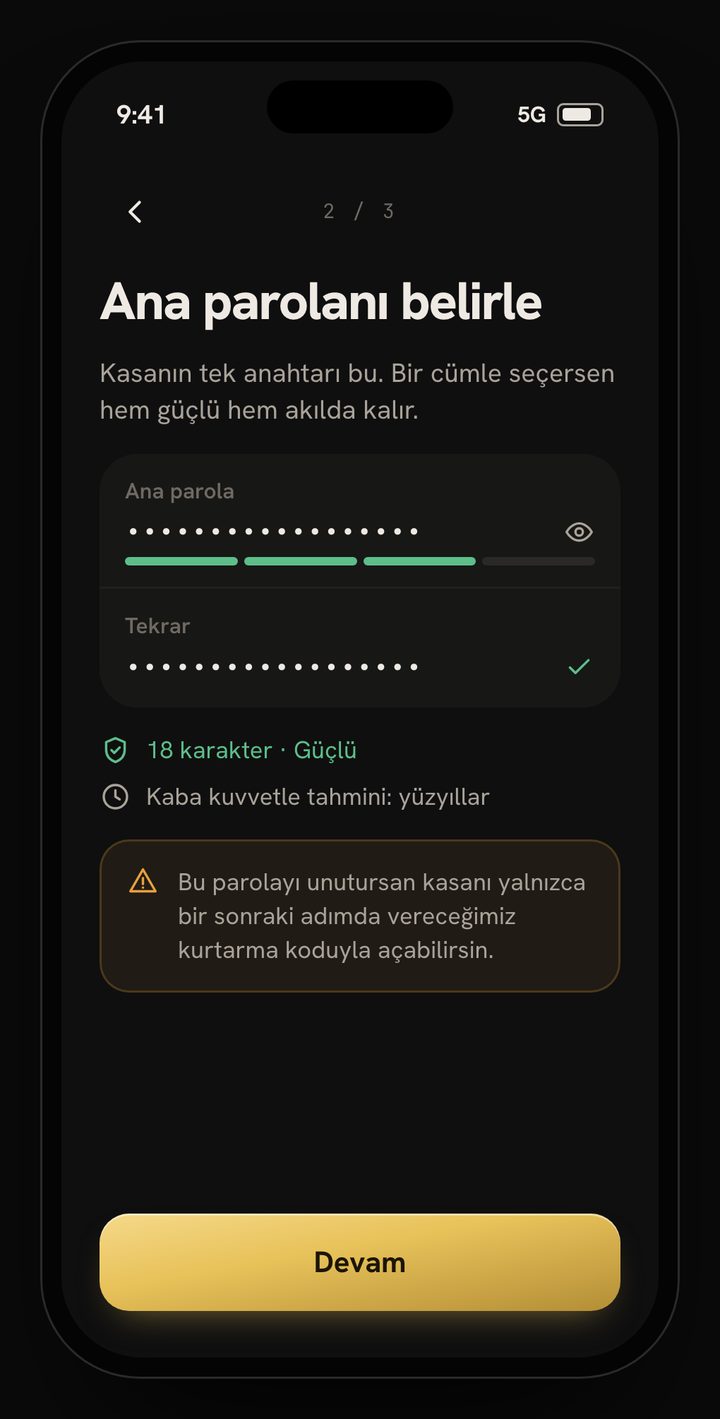
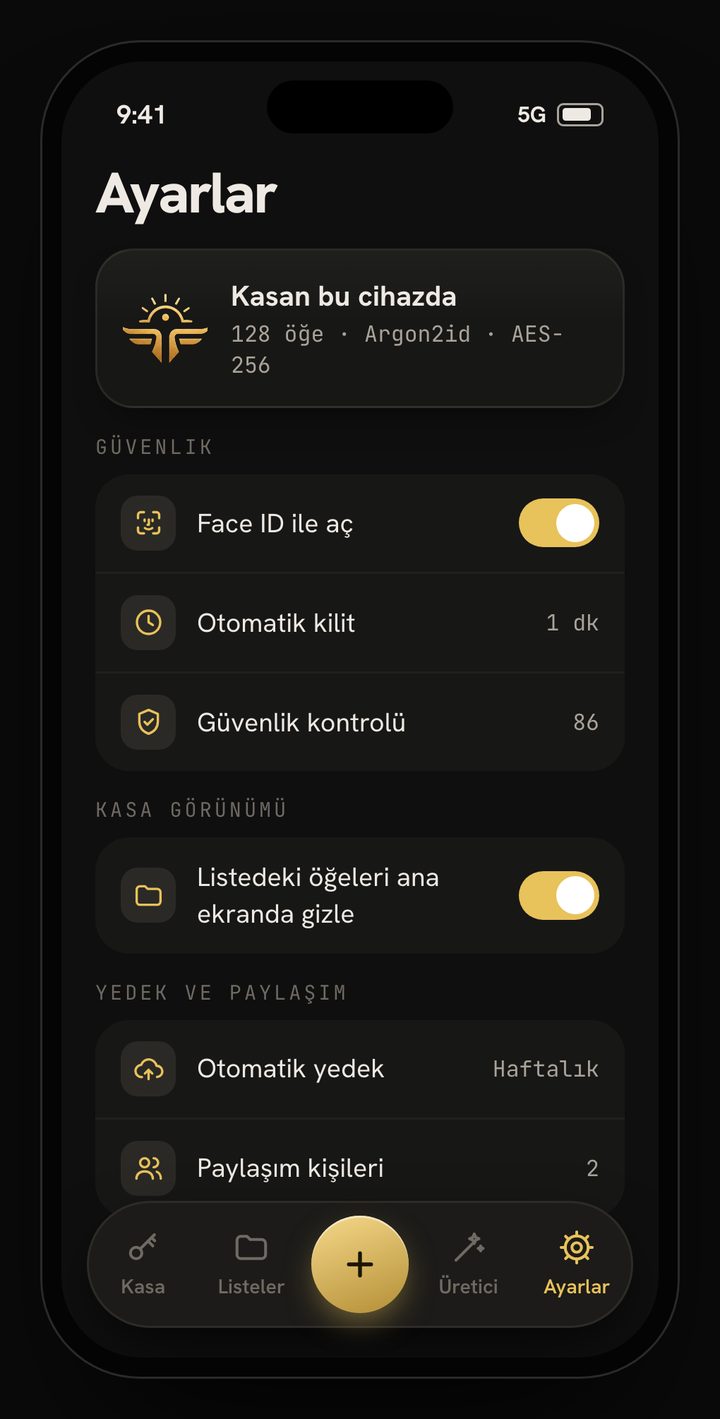
Encrypt your vault with a master password and unlock with biometrics or a quick PIN. Set a timed automatic lock. On Android, lock the vault in one tap from the Quick Settings tile.
03AutoFill
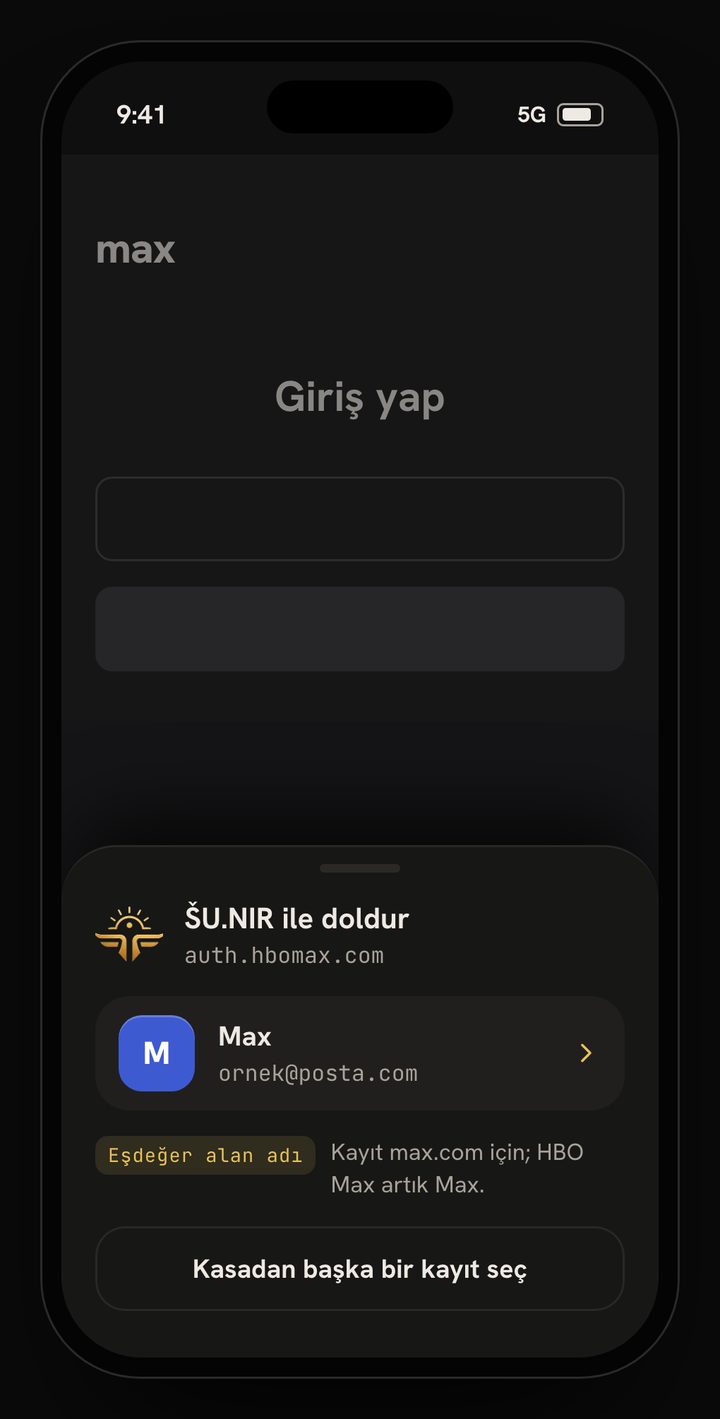
Access logins through Android AutoFill and iOS Password AutoFill. Update an existing record when a password changes, or create a new one. Use inline suggestions in supported keyboards and apps.
04Password and passphrase generator
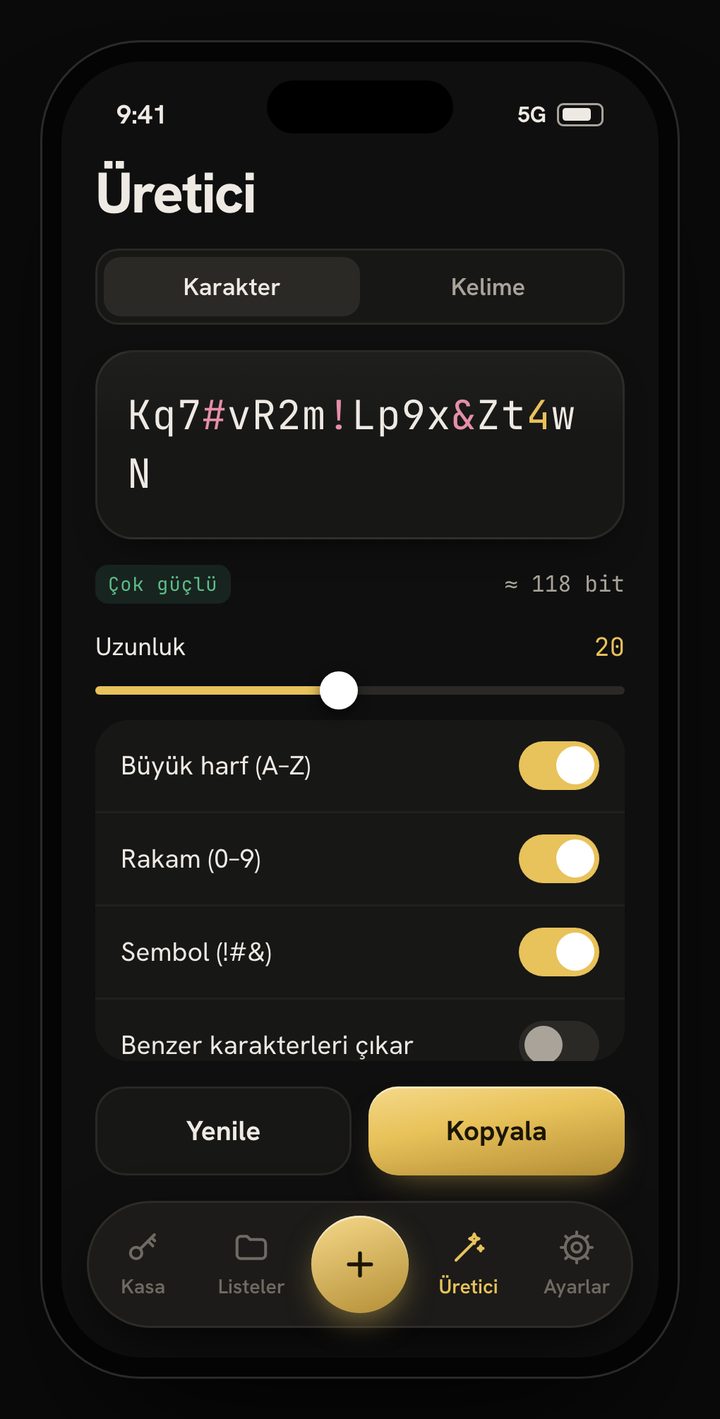
Choose the length and character sets to generate strong passwords or memorable passphrases.
052FA and Authenticator
Generate live TOTP codes with the built-in authenticator, add accounts by QR code and migrate accounts in bulk from Google Authenticator.
06Security centre
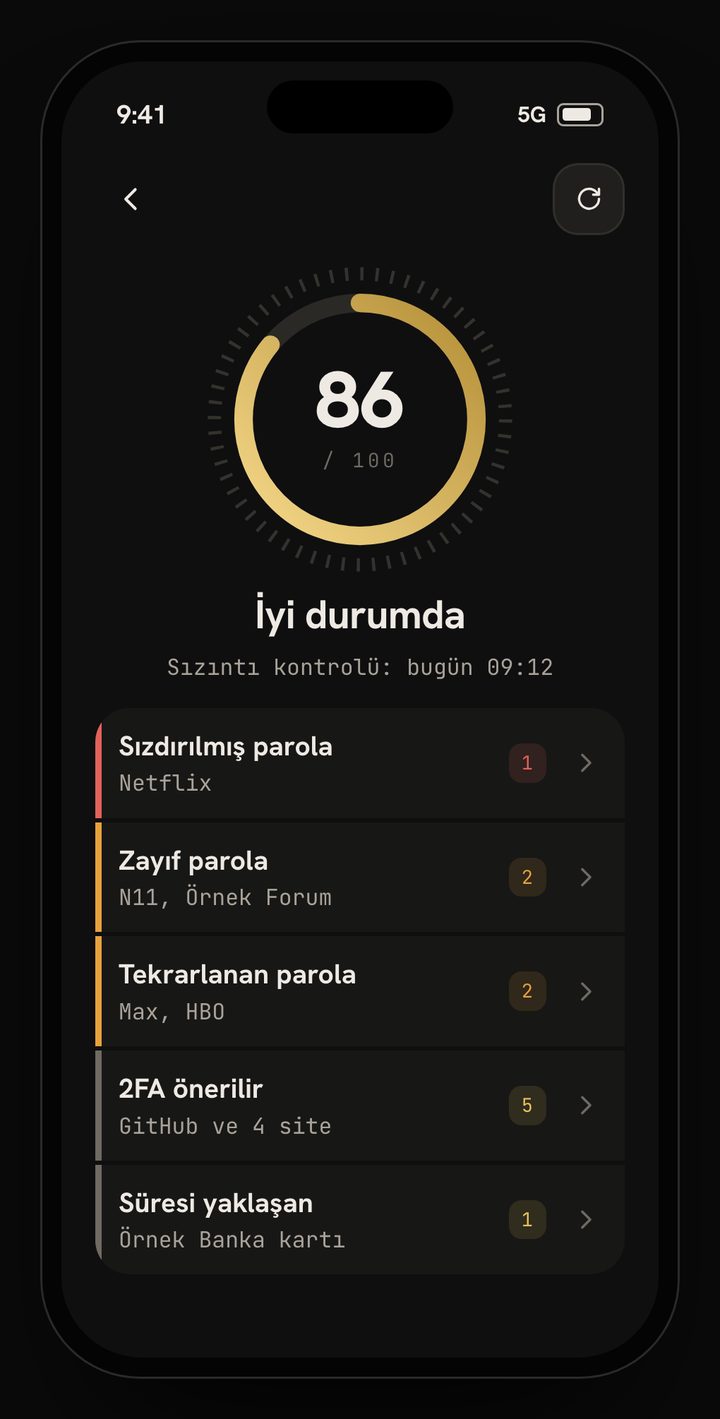
Track your vault security score and its history; identify weak, reused and similar passwords. Optional Have I Been Pwned checks run online. Manage protection with Android root warnings, optional vault erasure after repeated failed attempts, screen capture/recording privacy measures supported by your platform, and timed clipboard clearing.
07Backup and migration
Create and restore encrypted .snr backups and use automatic backups. Move between Android and iOS with a compatible backup format. Import and export CSV files for other password managers; CSV files contain unencrypted data.
08Secure sharing
Add trusted contacts by QR code and share records in end-to-end encrypted .sunir packages.
09Emergency access
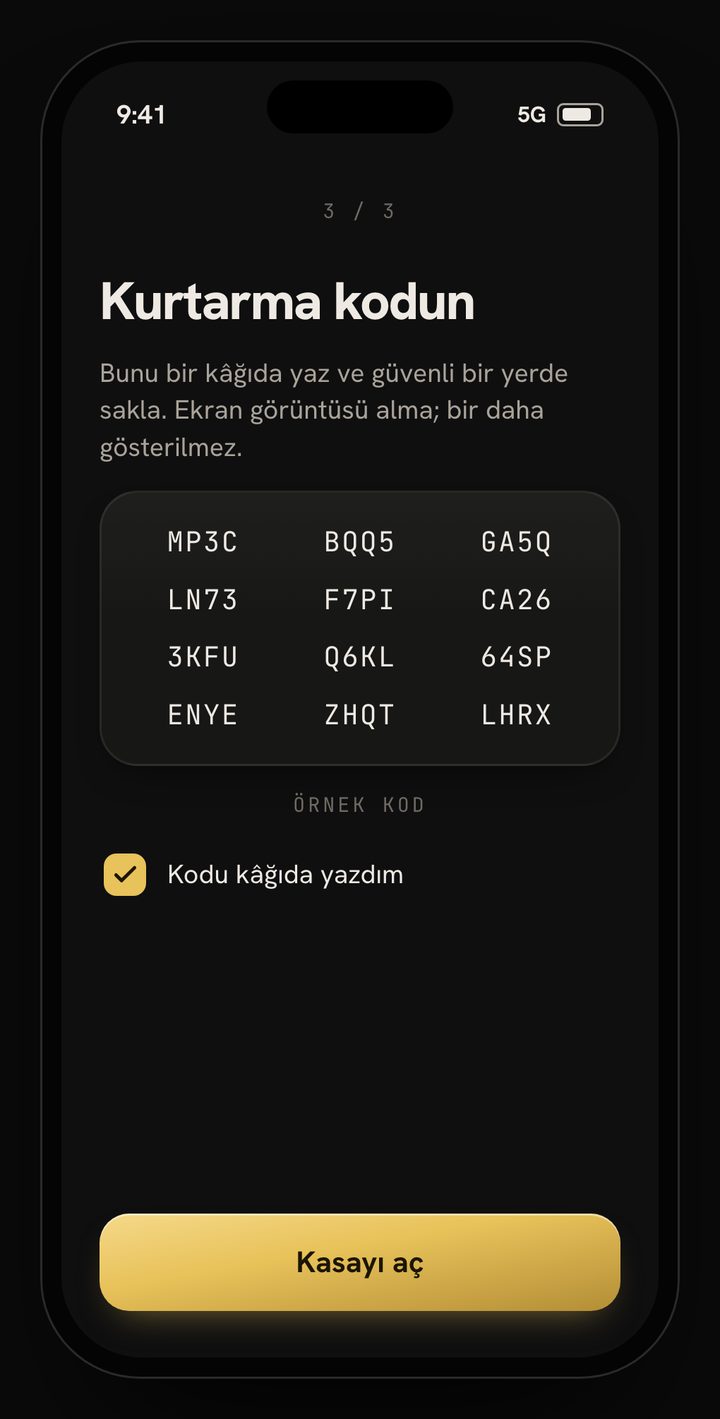
Create recovery information with the Emergency Kit and keep it somewhere safe and accessible when needed.
10Widgets, scanning and quick access
Get quick access with a home-screen widget using an encrypted cache. Scan Card uses OCR to read card details; scan QR codes for Wi-Fi, 2FA and trusted contacts.
11Personalisation and accessibility
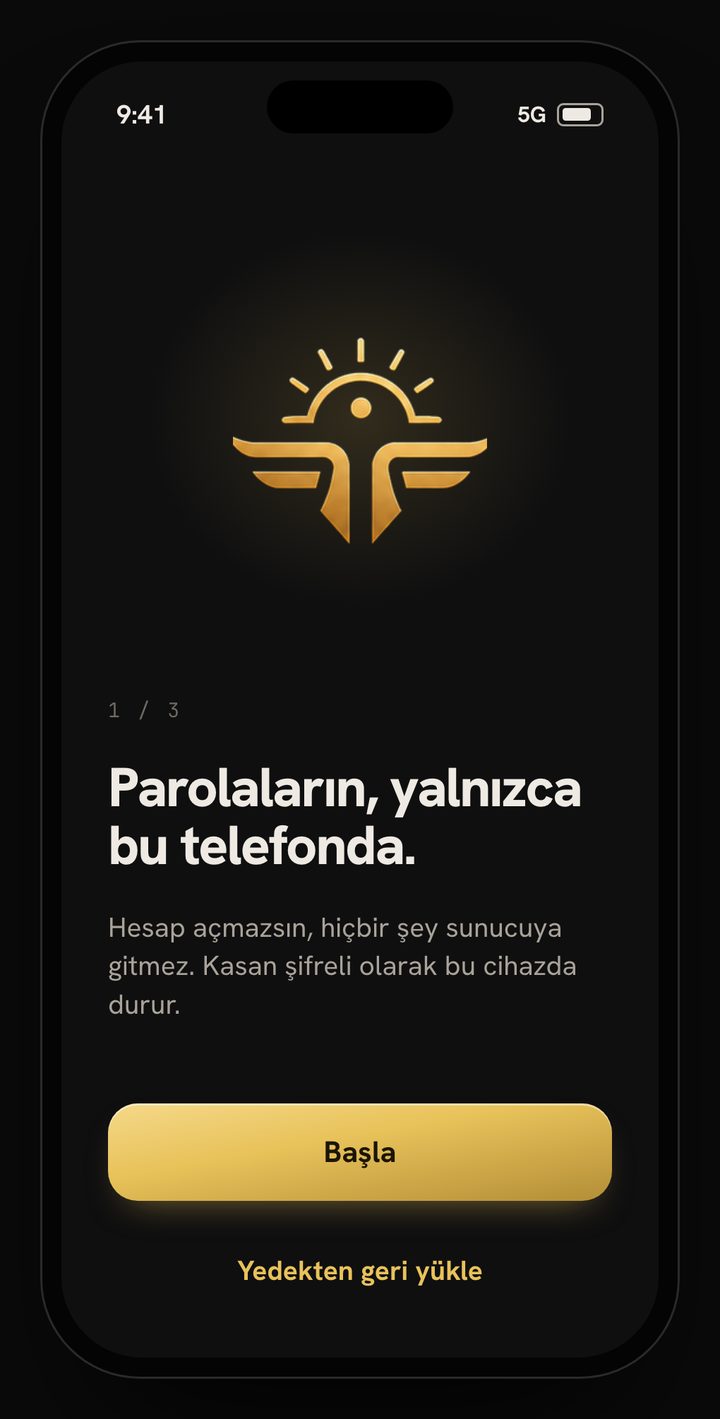
Choose Turkish, English, German, Arabic, Japanese or Simplified Chinese within the app. Use light/dark themes and a step-by-step welcome flow.
12Privacy and pricing
Vault data is encrypted on your device; our zero-knowledge approach keeps your master password and vault contents inaccessible to us. The free version has limited ads with privacy preferences you control. A one-time TRY 299.99 in-app purchase removes ads permanently. Optional online breach checks, ads and store services use the internet.